


Home ➤ Bulk SMS Software ➤ Bulk SMS Software for Windows Mobile Phone ➤ Screenshots
Bulk SMS Software for Windows Mobile Phone Screenshots
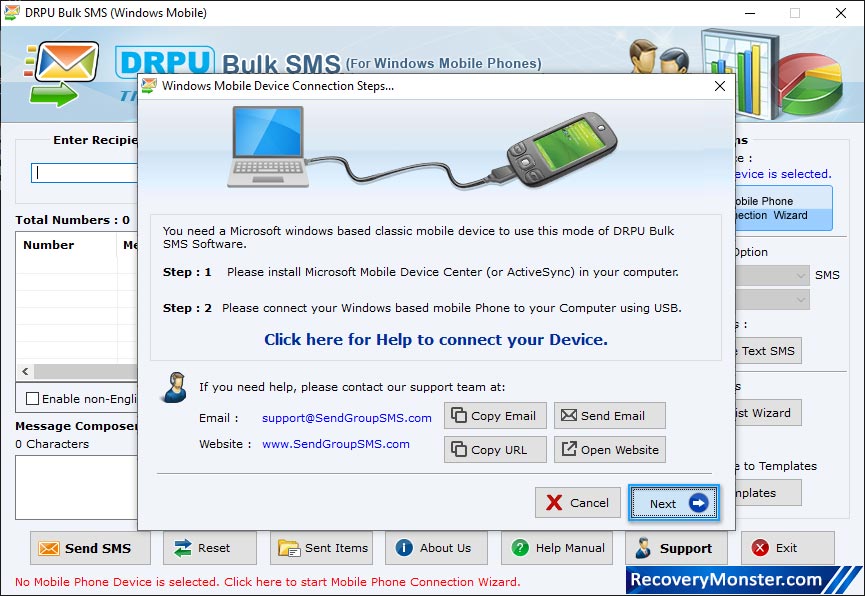
Mobile Phone Connection Wizard shows establishing connection between your mobile phone and pc. Click 'Use Selected Device to Send SMS' button to start SMS sending process.
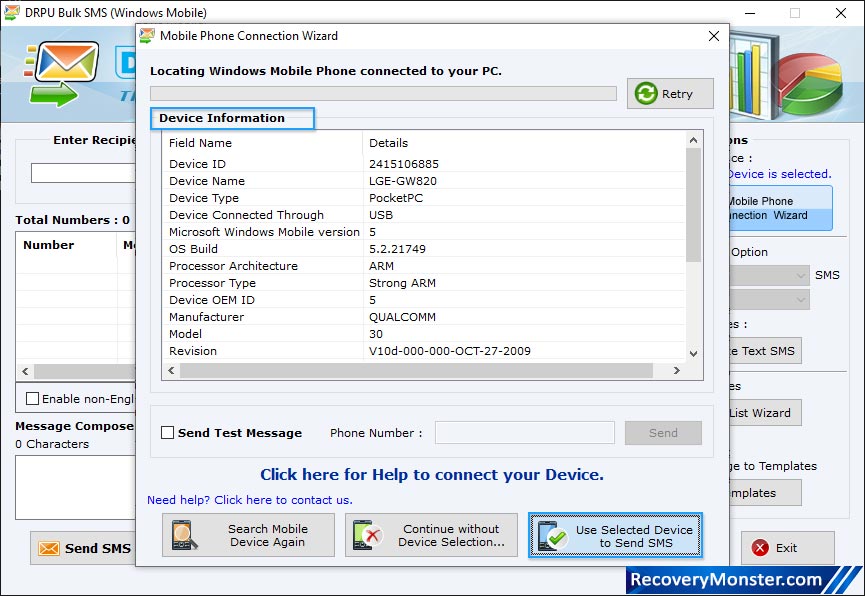
Wizard shows connected device list, select particular COM port to view corresponding device information.
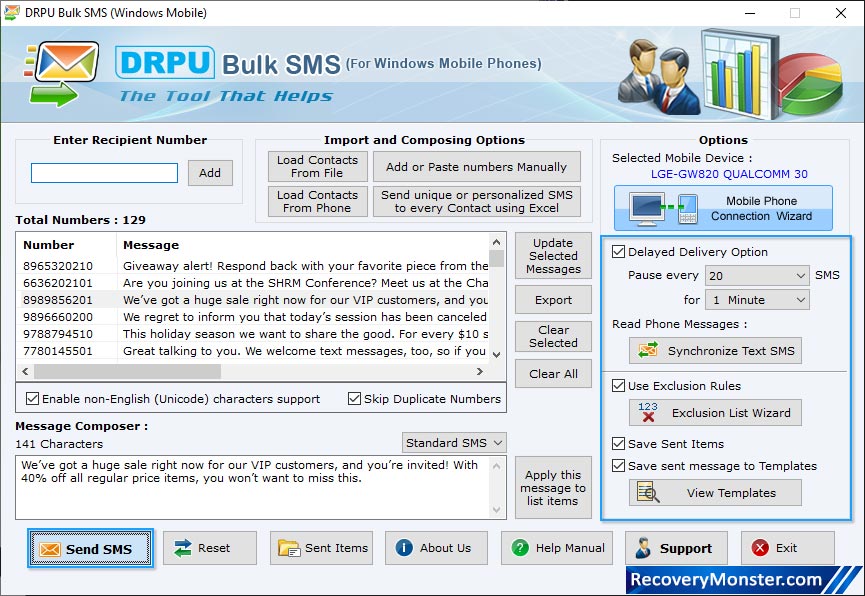
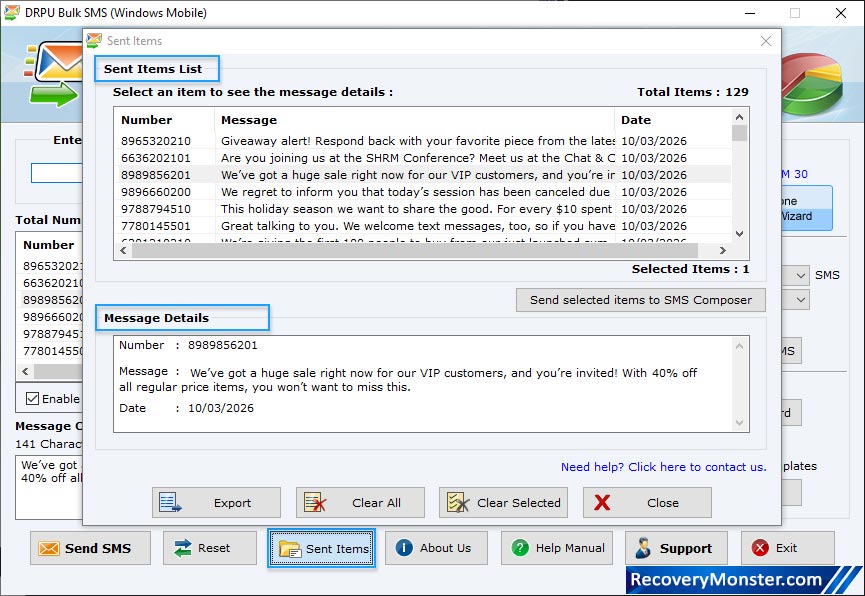
Choose options like Delayed Delivery Option, Use Exclusion Rules, Save Sent Items and Save sent messages to Templates.
The above screenshot shows, Load Contact File from Excel File.
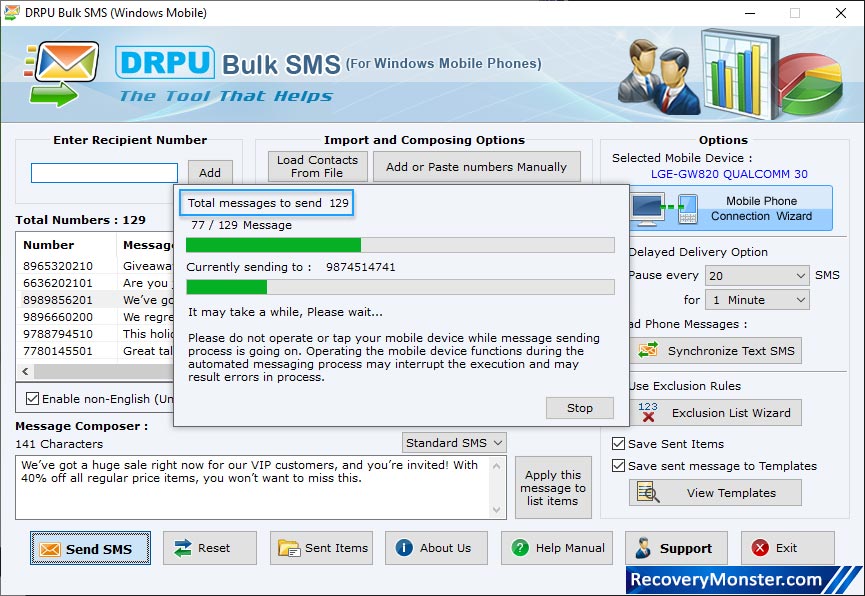
Screenshot shows progress bar to view current status of message sending process.

- ➺ (Premium) - Data Recovery Software
- ➺ Android Data Recovery Software
- ➺ Cell Phone Data Recovery Software
- ➺ NTFS Data Recovery Software
- ➺ FAT Data Recovery Software
- ➺ Digital Camera Data Recovery Software
- ➺ Digital Pictures Recovery Software
- ➺ USB Digital Media Data Recovery Software
- ➺ Memory Card Data Recovery Software
- ➺ USB Drive Data Recovery Software
- ➺ SIM Card Data Recovery Software
- ➺ iPod Data Recovery Software
