


Home ➤ Database Converter Software ➤ MS Access to MySQL Database Converter ➤ Screenshots
MS Access to MySQL Database Converter Screenshots
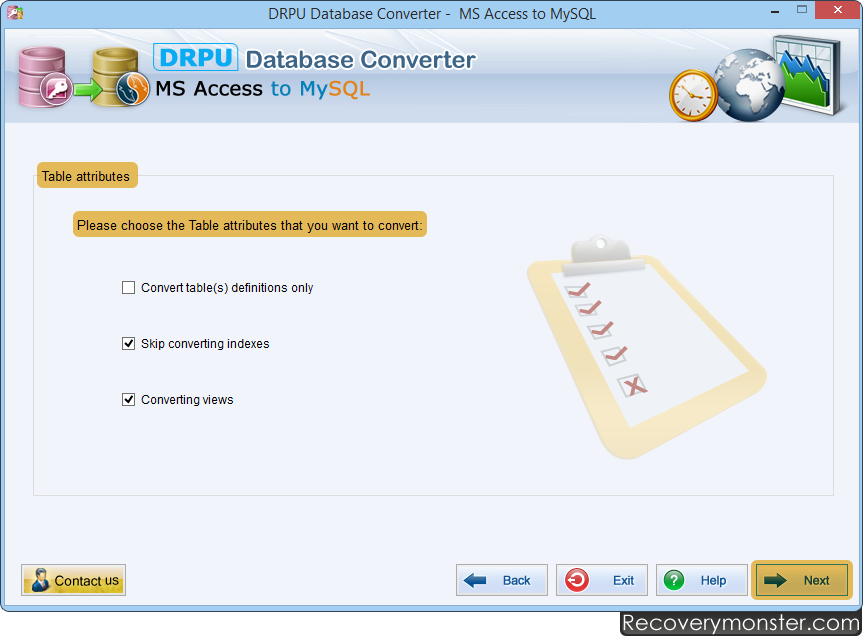
Choose table attributes that you want to convert into MySQL database and proceed to next step.
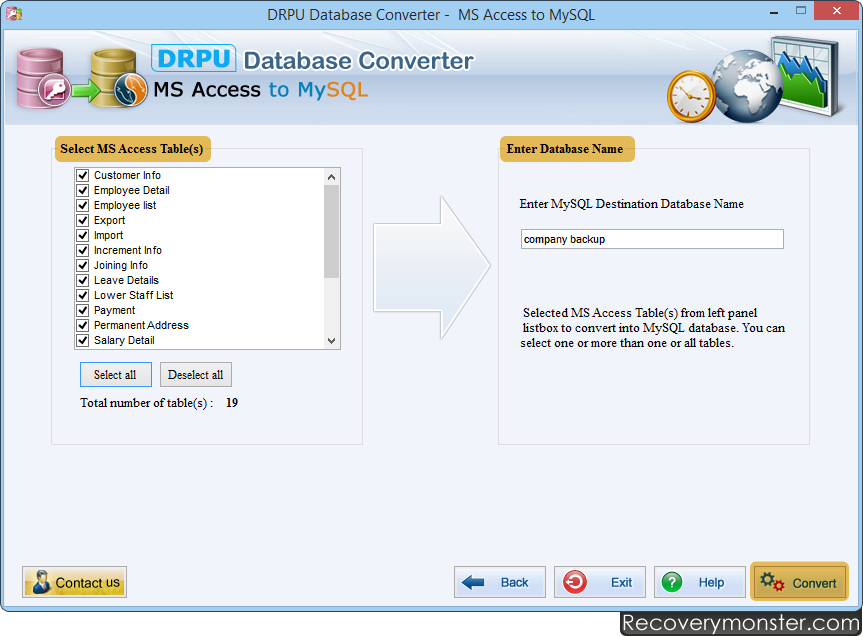
Choose MSAccess database with related table(s) that you want to convert into MySQL database.
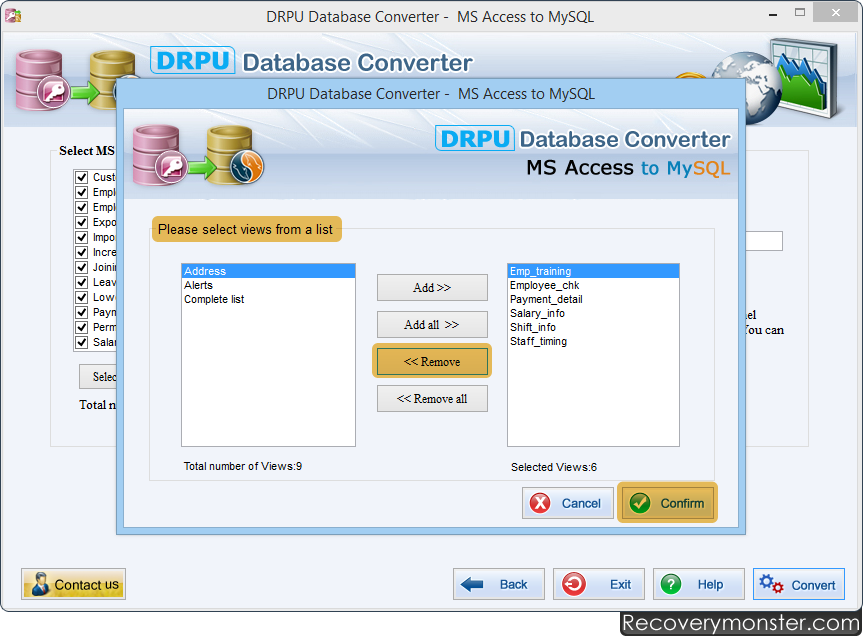
Select Views from the list and click "Confirm" button.
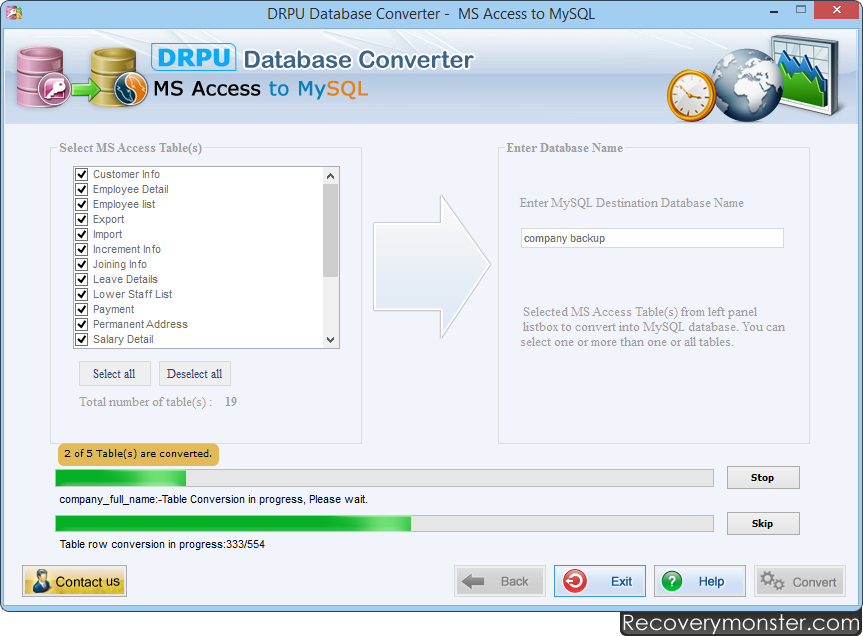
Here, you can see that conversion process is going on. Use 'Stop' button to abort the ongoing Database conversion process. If You want to skip any particular table then you can use 'Skip' button.

- ➺ (Premium) - Data Recovery Software
- ➺ Android Data Recovery Software
- ➺ Cell Phone Data Recovery Software
- ➺ NTFS Data Recovery Software
- ➺ FAT Data Recovery Software
- ➺ Digital Camera Data Recovery Software
- ➺ Digital Pictures Recovery Software
- ➺ USB Digital Media Data Recovery Software
- ➺ Memory Card Data Recovery Software
- ➺ USB Drive Data Recovery Software
- ➺ SIM Card Data Recovery Software
- ➺ iPod Data Recovery Software
