


Home ➤ SEO Tools ➤ Website Monitoring Software ➤ Screenshots
Website Monitoring Software Screenshots
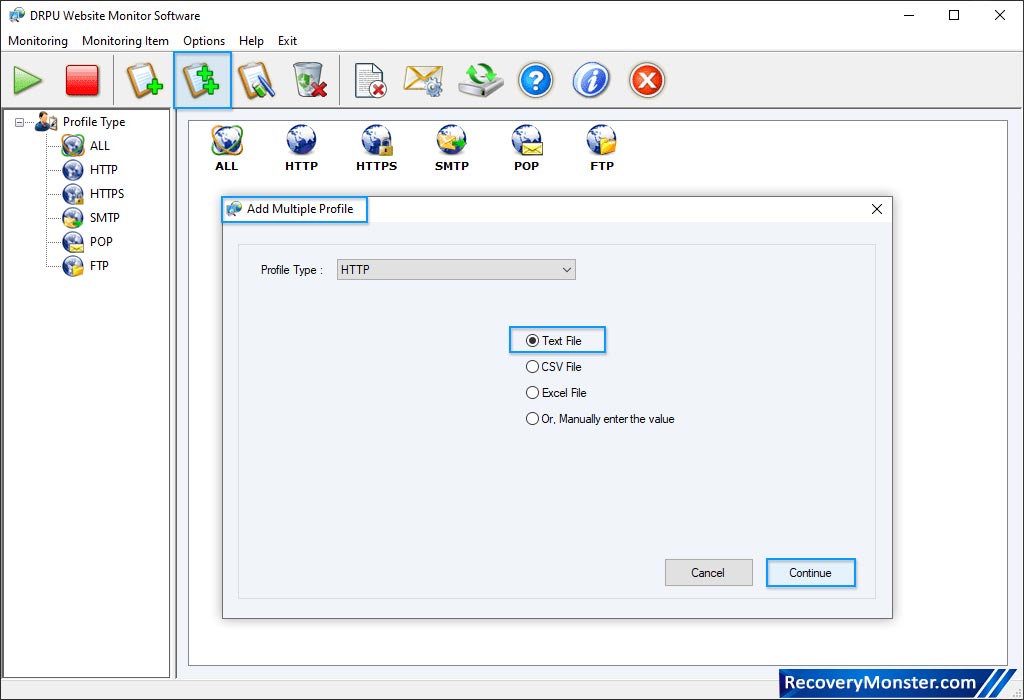
Here, wizard shows 'All Profile Minitoring View'.
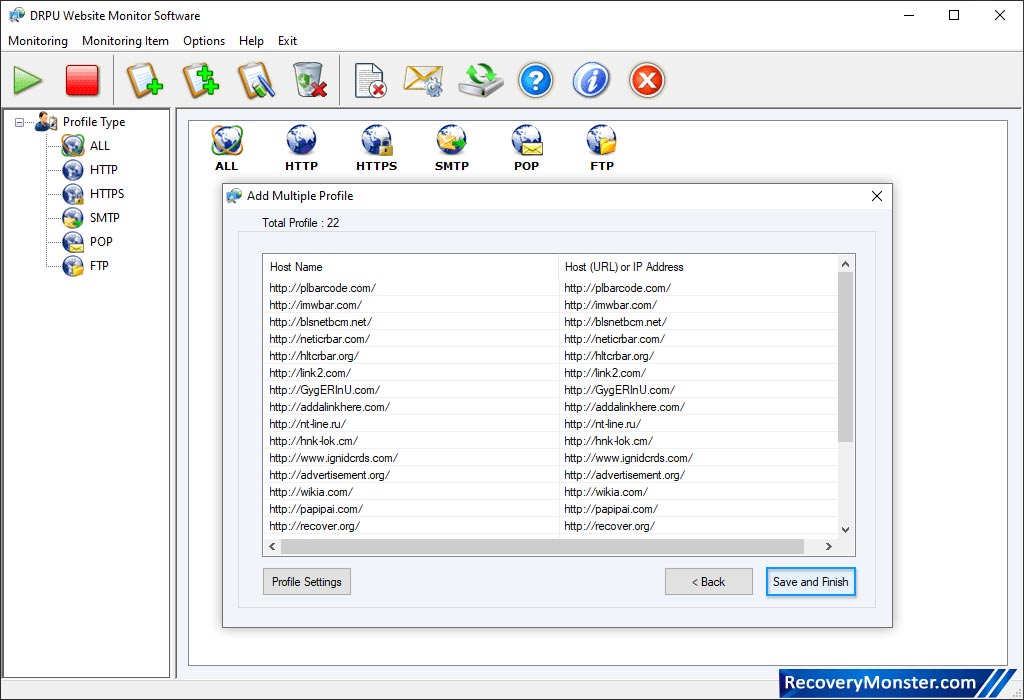
If you want to add more profile then click 'Add Profile' option.
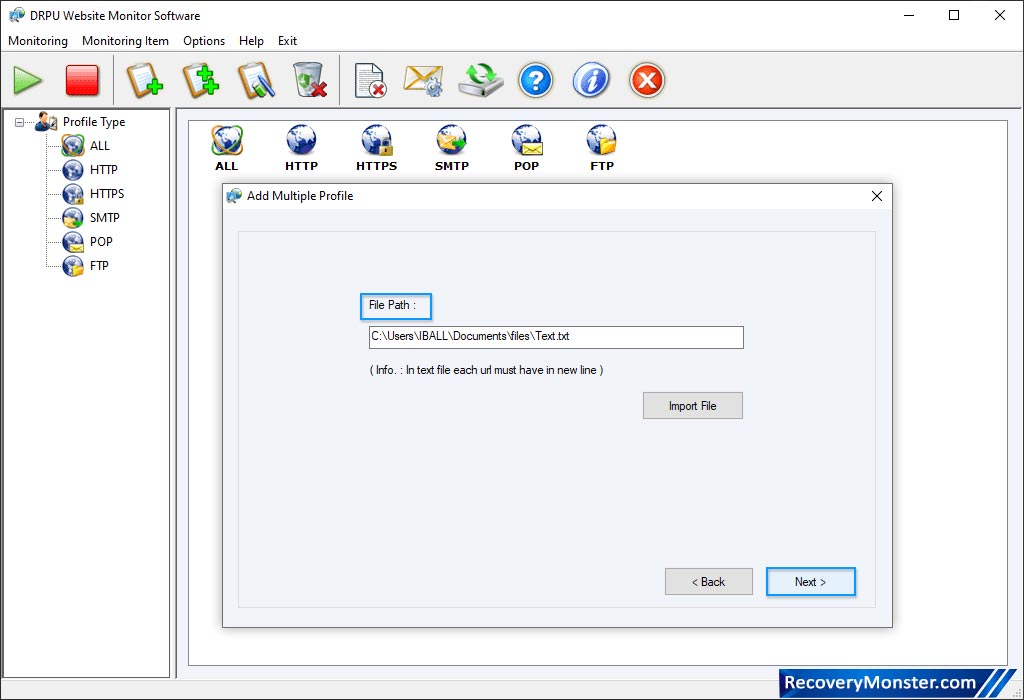
User can select path file, import file, Click on Next Button.
Select 'Profile Type' then choose any one option among 'All Error Log Records of Selected Profile Type' or 'Error Log Records between selected duration for Selected Profile Type'. Click 'Display Report' button to view log record.
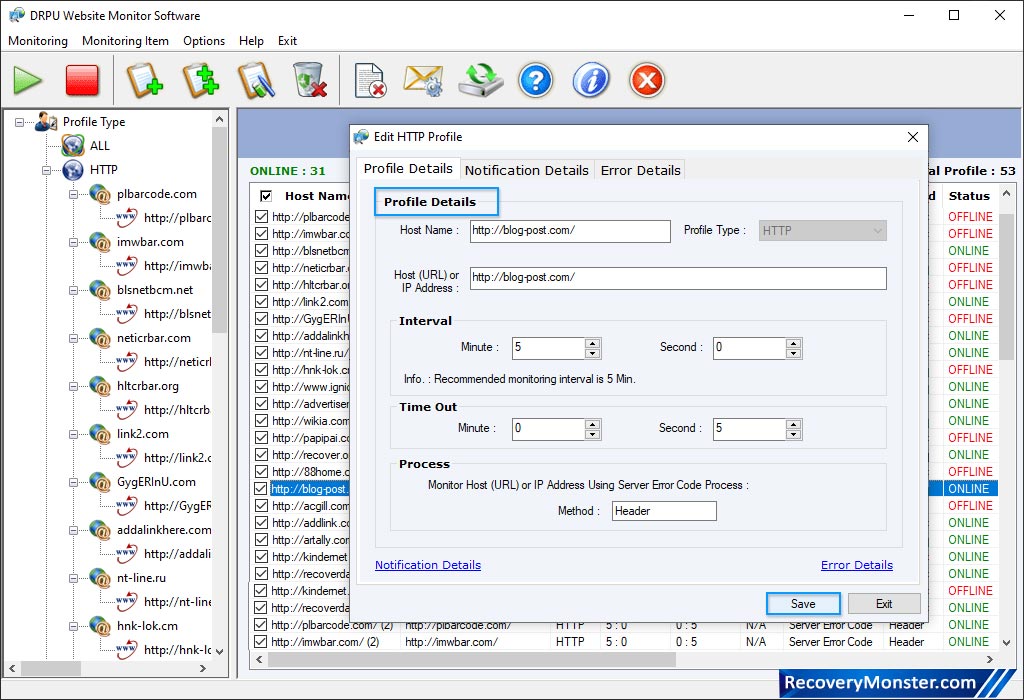
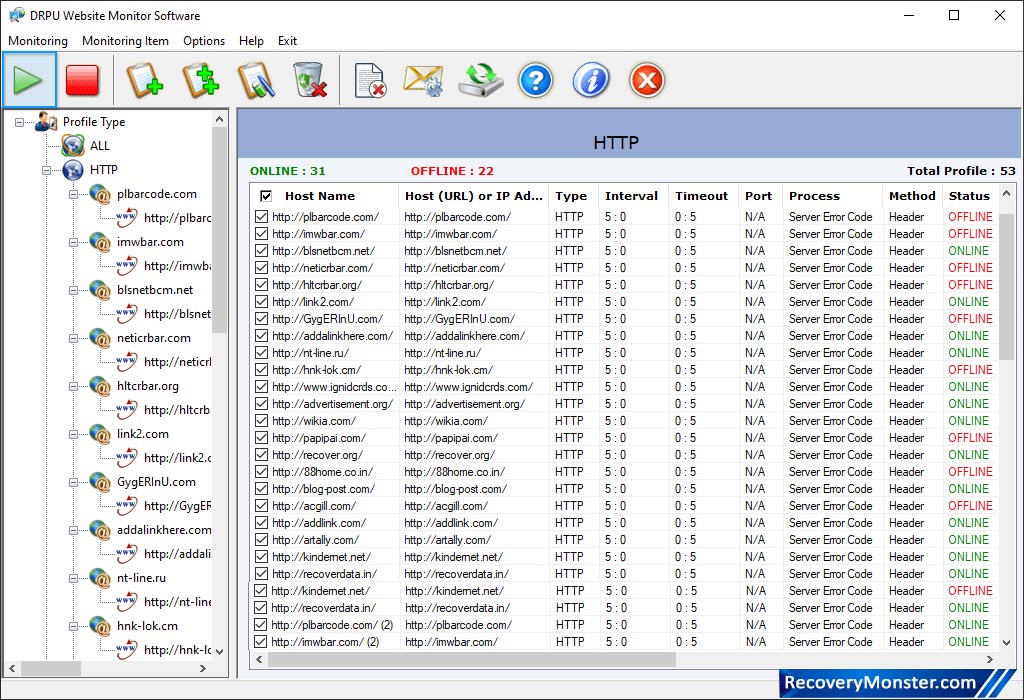
User can stop monitoring process using “Stop” button from toolbar. Click on “Display Report” button to view monitoring log report.

- ➺ (Premium) - Data Recovery Software
- ➺ Android Data Recovery Software
- ➺ Cell Phone Data Recovery Software
- ➺ NTFS Data Recovery Software
- ➺ FAT Data Recovery Software
- ➺ Digital Camera Data Recovery Software
- ➺ Digital Pictures Recovery Software
- ➺ USB Digital Media Data Recovery Software
- ➺ Memory Card Data Recovery Software
- ➺ USB Drive Data Recovery Software
- ➺ SIM Card Data Recovery Software
- ➺ iPod Data Recovery Software
