


Home ➤ SEO Tools ➤ Backlink Checker Utility ➤ Screenshots
Backlink Checker Utility Screenshots
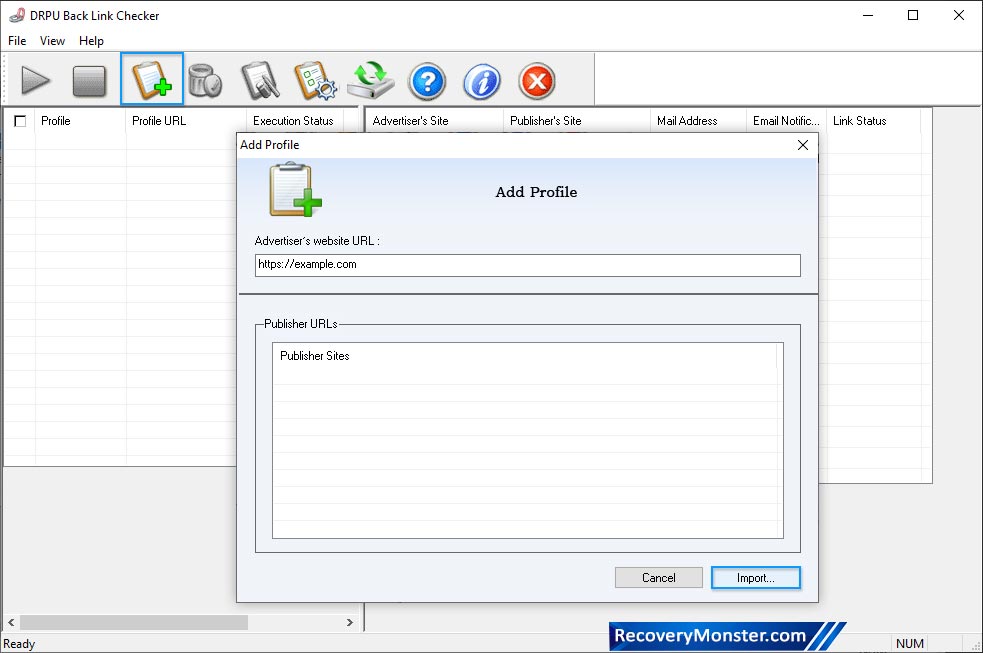
Select 'Profile' from left panel and list of corresponding publisher’s site will display on right side of screen with Mail Address, Link Status and Email Notifications etc.
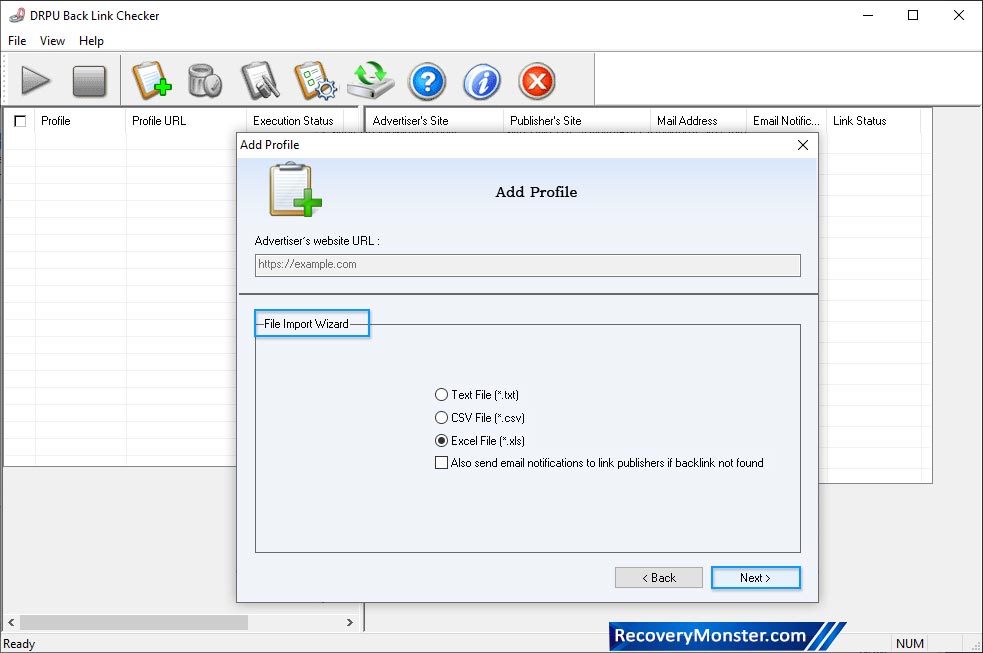
Add Advertiser's website URL and choose any one option among Text File, CSV File and Excel File.
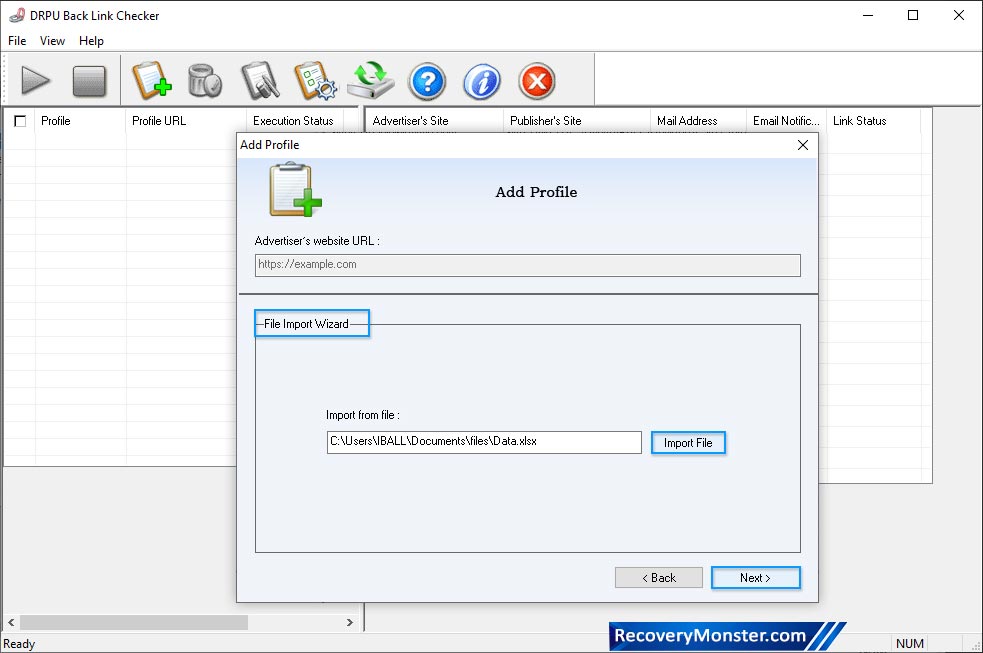
Import profile from file then enter the value for file manually. Click 'Next' button to continue.
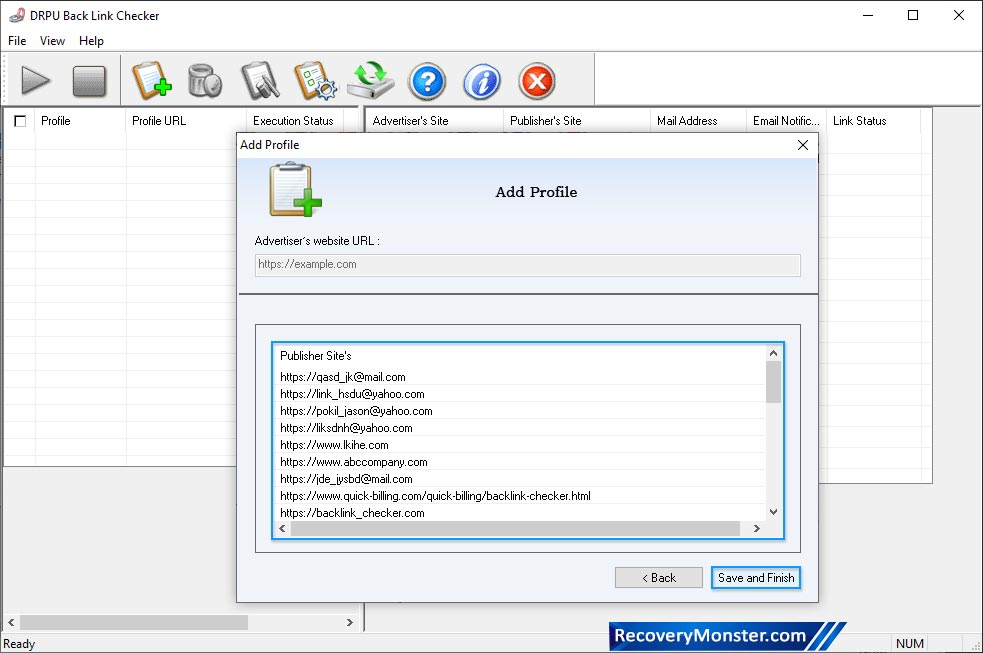
Here, wizard shows the list of "Publisher Site's". Now click 'Save and Finish' button.
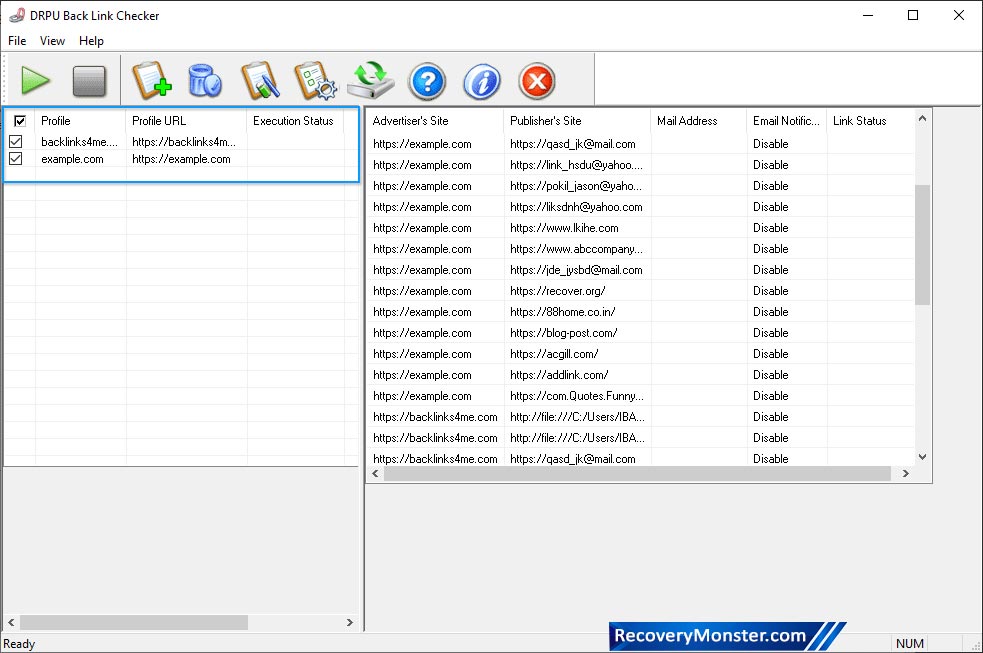
In right panel, you can view the list of Publisher's Site with all details

- ➺ (Premium) - Data Recovery Software
- ➺ Android Data Recovery Software
- ➺ Cell Phone Data Recovery Software
- ➺ NTFS Data Recovery Software
- ➺ FAT Data Recovery Software
- ➺ Digital Camera Data Recovery Software
- ➺ Digital Pictures Recovery Software
- ➺ USB Digital Media Data Recovery Software
- ➺ Memory Card Data Recovery Software
- ➺ USB Drive Data Recovery Software
- ➺ SIM Card Data Recovery Software
- ➺ iPod Data Recovery Software
