


Home ➤ Setup Creator ➤ MSI to EXE Creator ➤ Screenshots
MSI to EXE Creator Screenshots
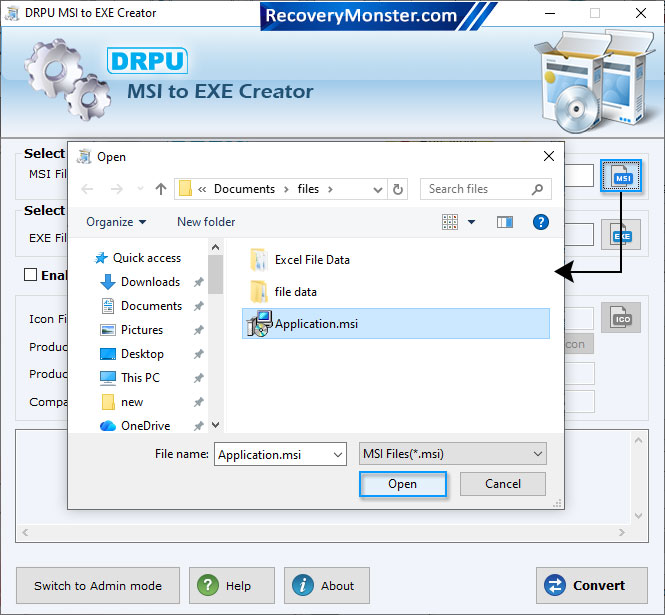
Select .msi file from given files to convert into .exe file format then click on “Open” button.
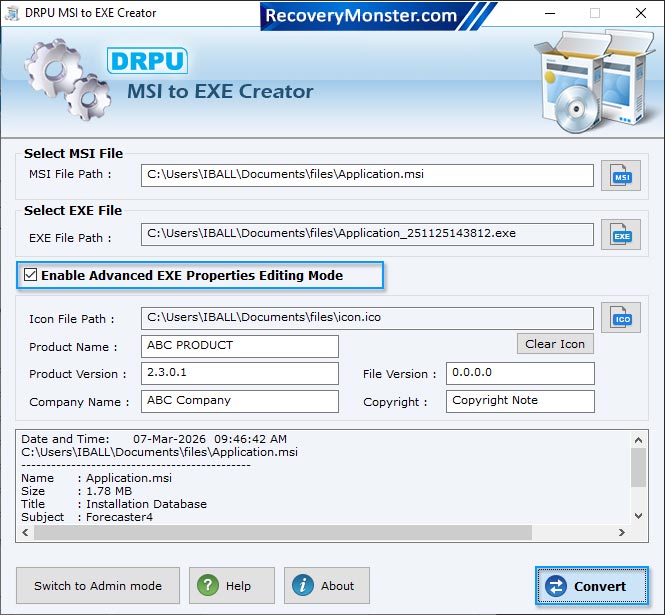
Select .msi file to convert into .exe file format. Click 'Open' button.
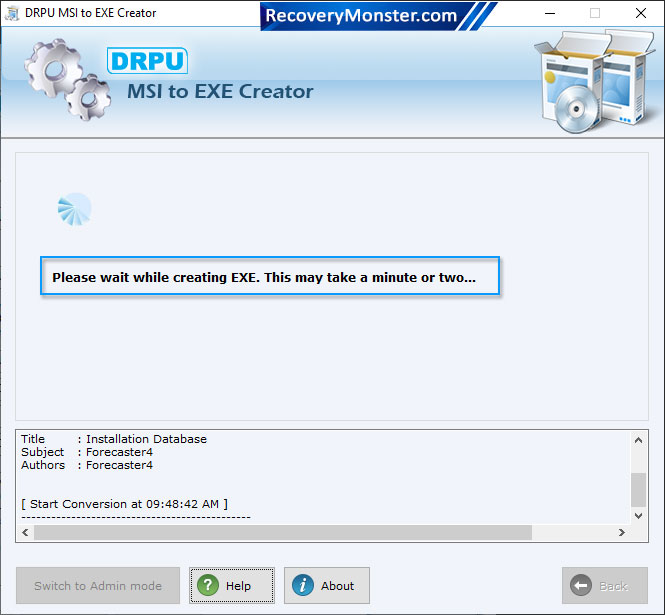
Browse MSI path for selecting .msi file then browse EXE Path where you want to save converted .exe file. Click on “Convert” button to start conversion process.
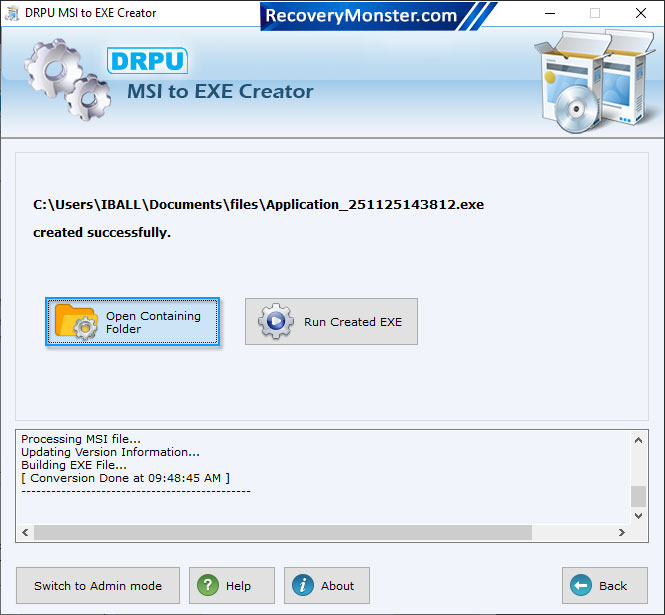
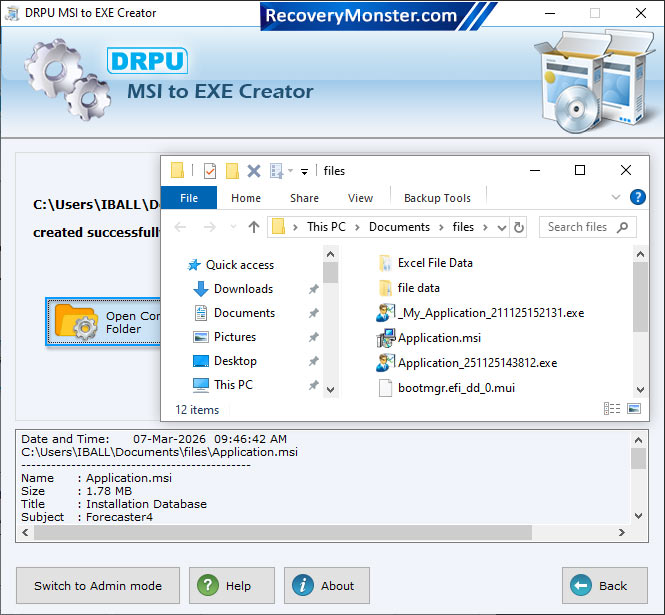
To see created EXE file , Click on "Open Containing Folder".
User can select document file

- ➺ (Premium) - Data Recovery Software
- ➺ Android Data Recovery Software
- ➺ Cell Phone Data Recovery Software
- ➺ NTFS Data Recovery Software
- ➺ FAT Data Recovery Software
- ➺ Digital Camera Data Recovery Software
- ➺ Digital Pictures Recovery Software
- ➺ USB Digital Media Data Recovery Software
- ➺ Memory Card Data Recovery Software
- ➺ USB Drive Data Recovery Software
- ➺ SIM Card Data Recovery Software
- ➺ iPod Data Recovery Software
